

Welcome
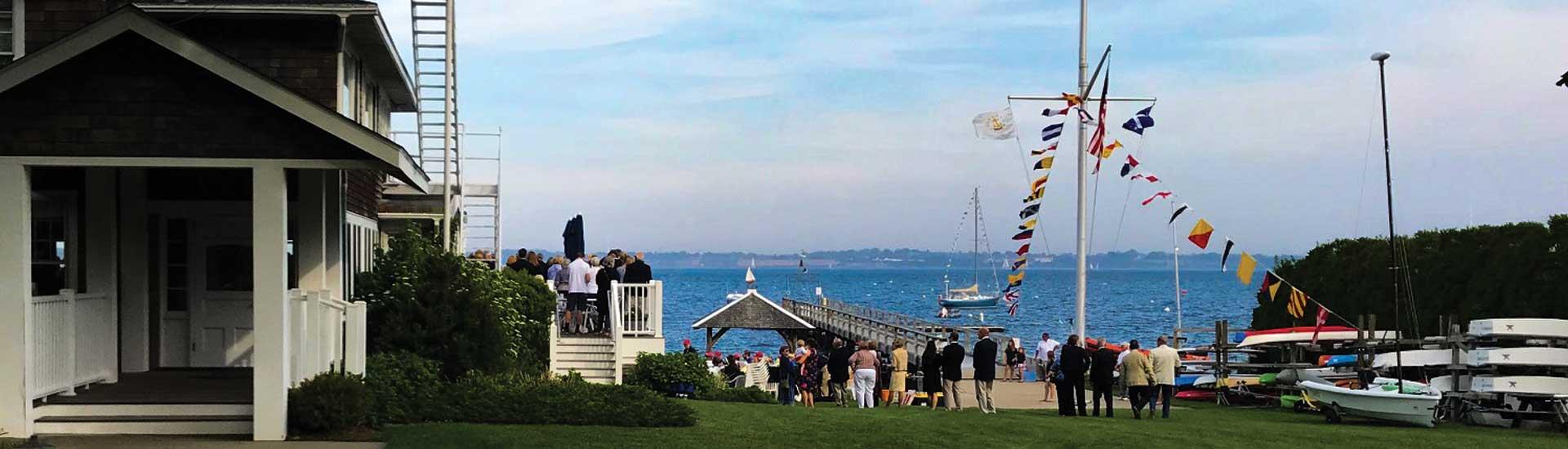
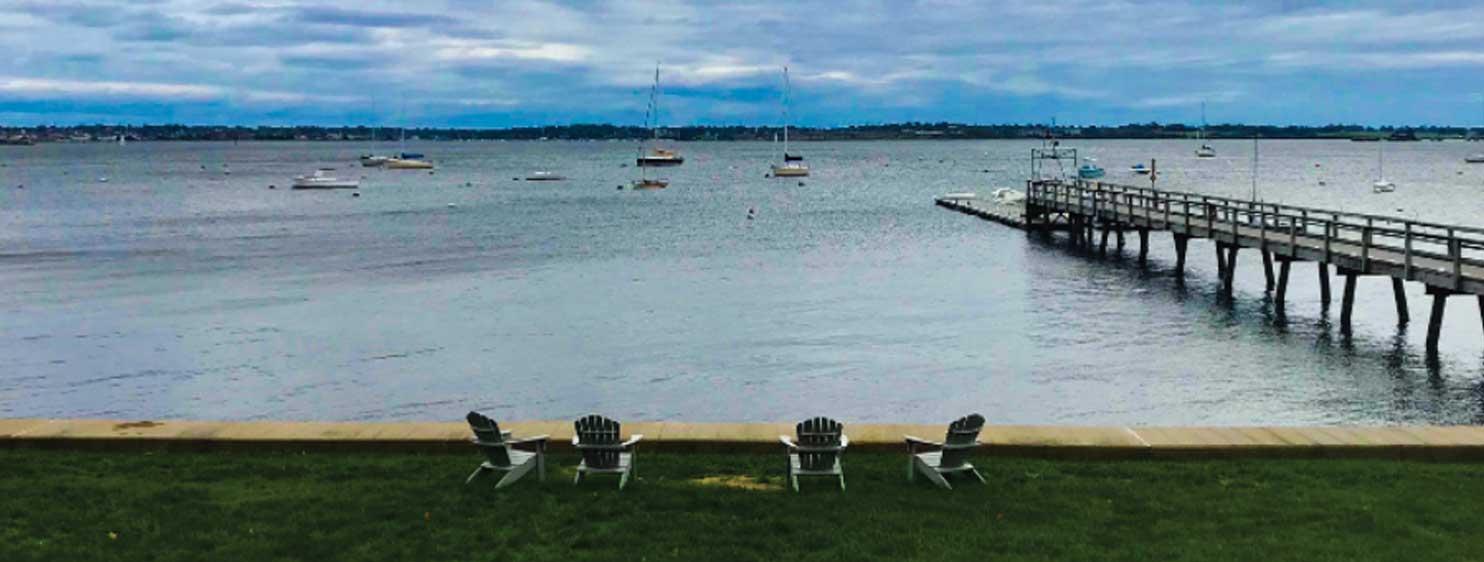
Founded in 1892, the Conanicut Yacht Club (CYC) is a full-service yacht club offering a wide range of sailing, racquets, dining and social activities. CYC enjoys panoramic views of Narragansett Bay and prides itself in providing a warm, welcoming atmosphere to members and guests alike.
Waterfront
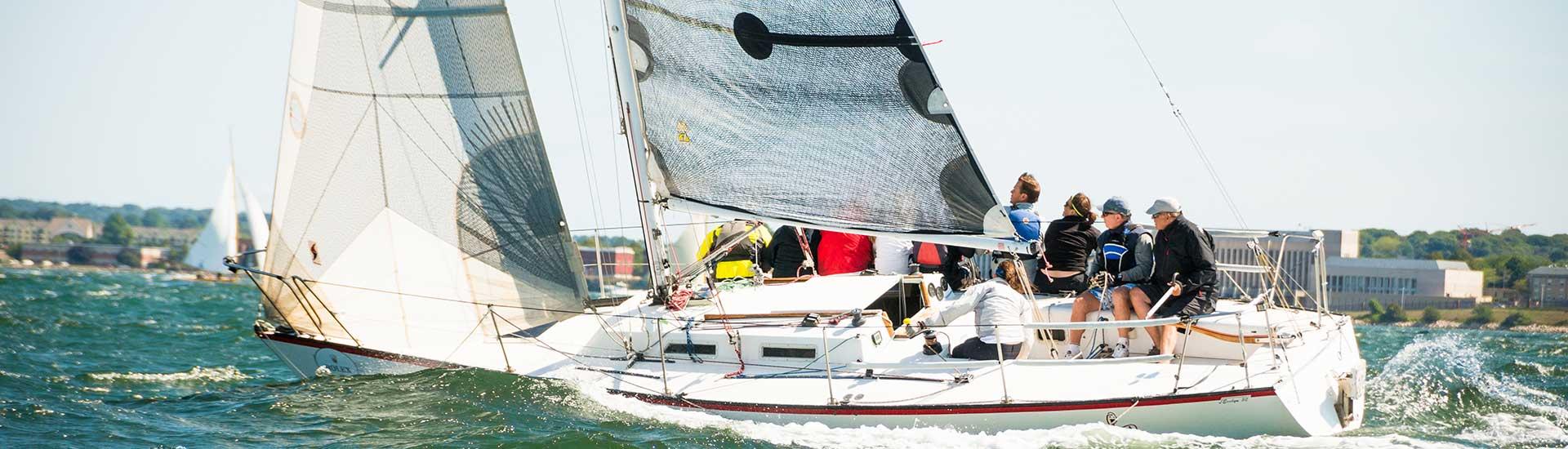
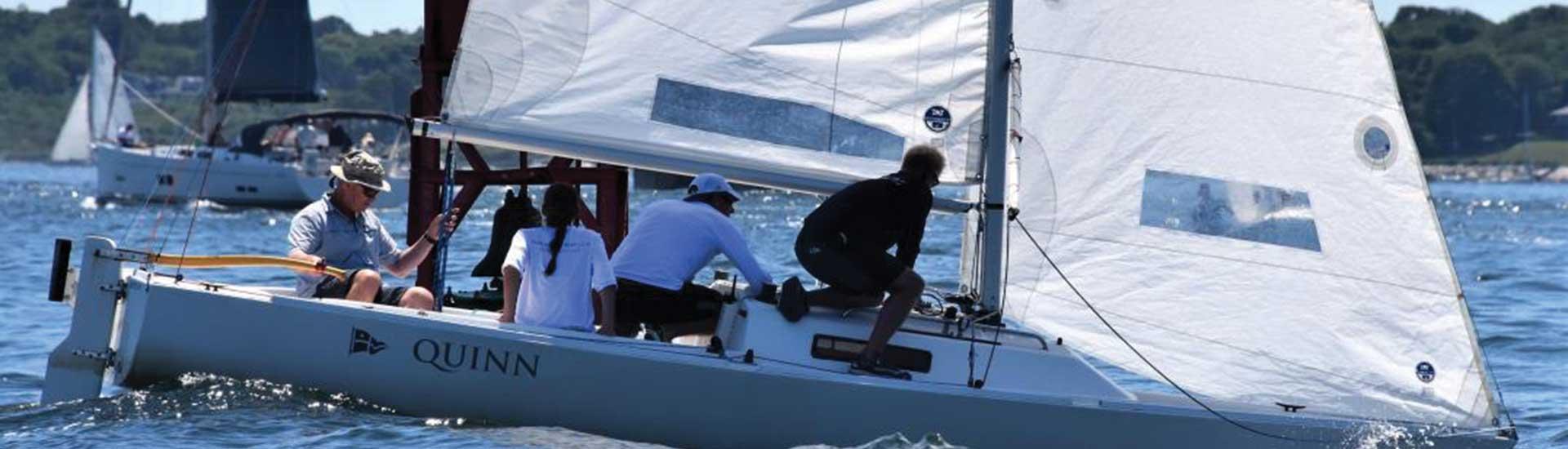
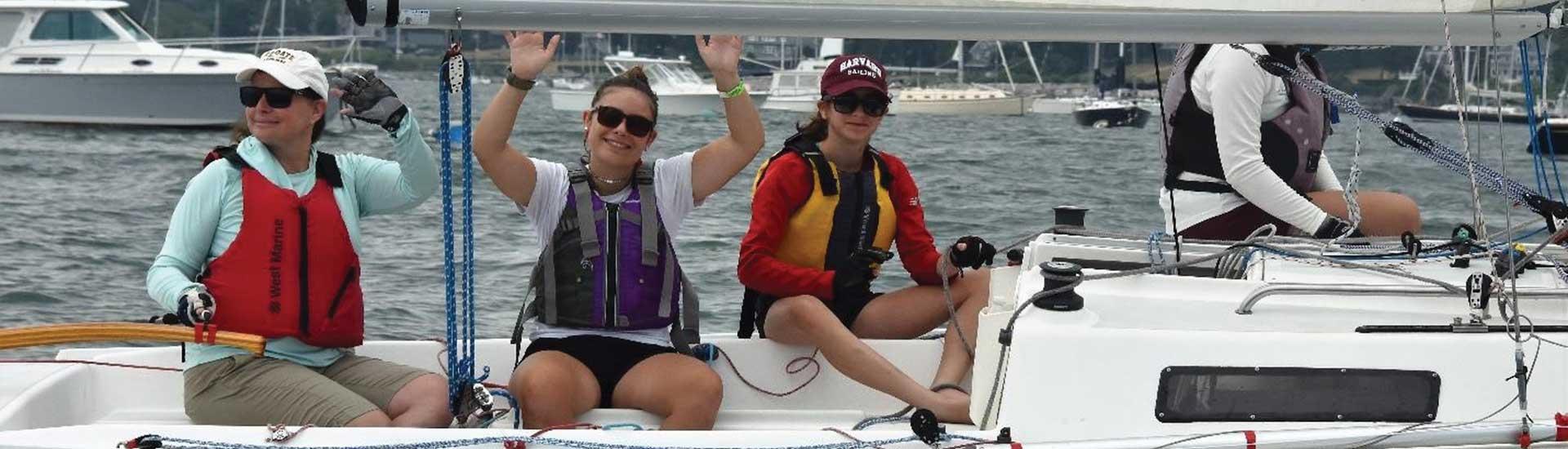
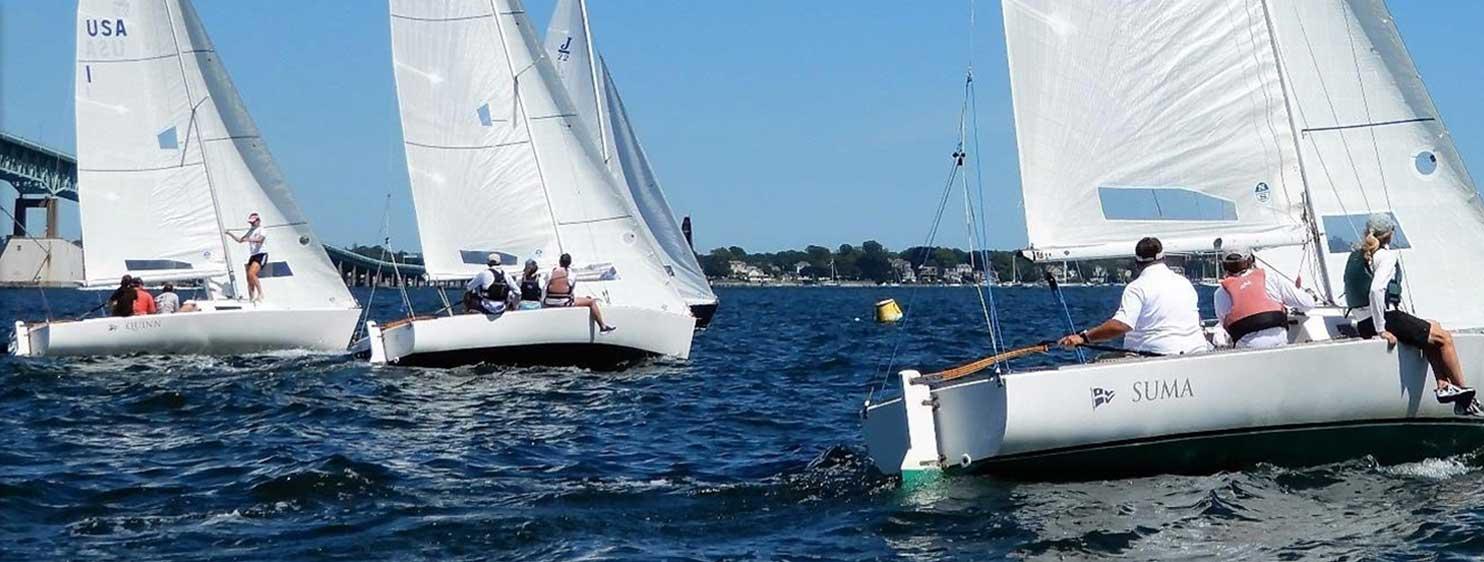
Racing and cruising, expert and beginner – our waterfront has something for everyone. Offering moorings, launch service, a J/22 fleet, powerboat instruction, and SUP and kayak rentals.
Racquets
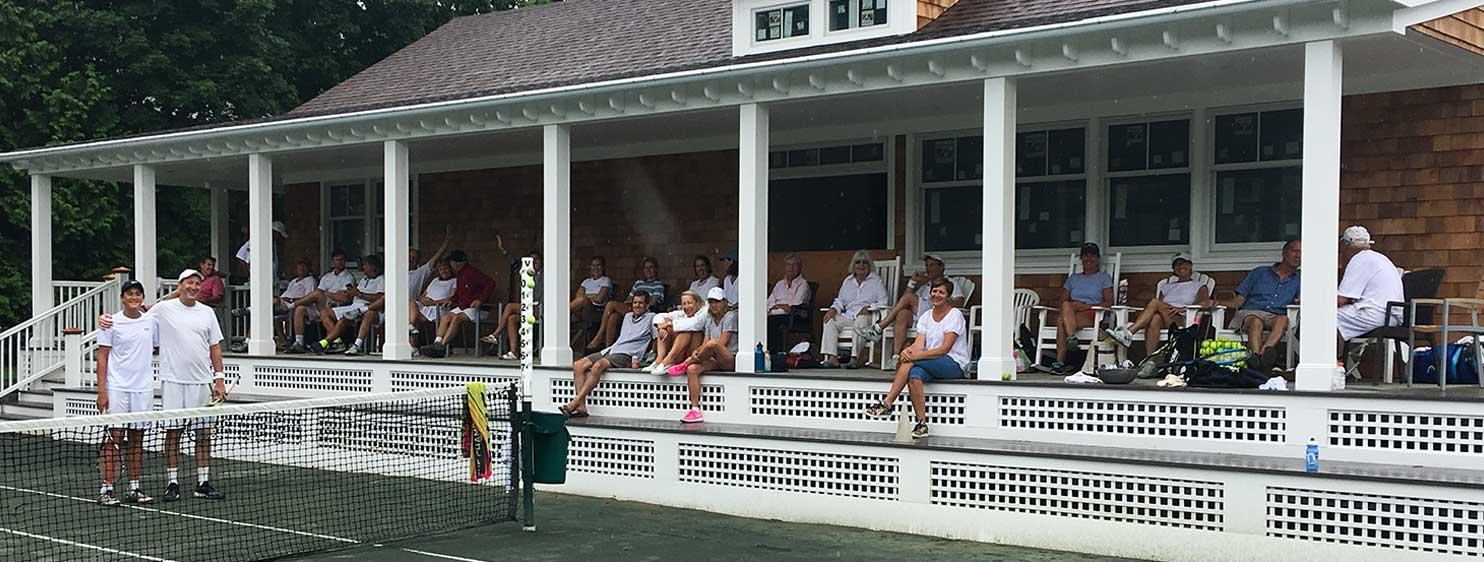
Eight Har-Tru courts for summer play, two platform tennis courts for winter play. Expert instruction and spirited league play. Tennis programs and private instruction available to non-members.
Dining
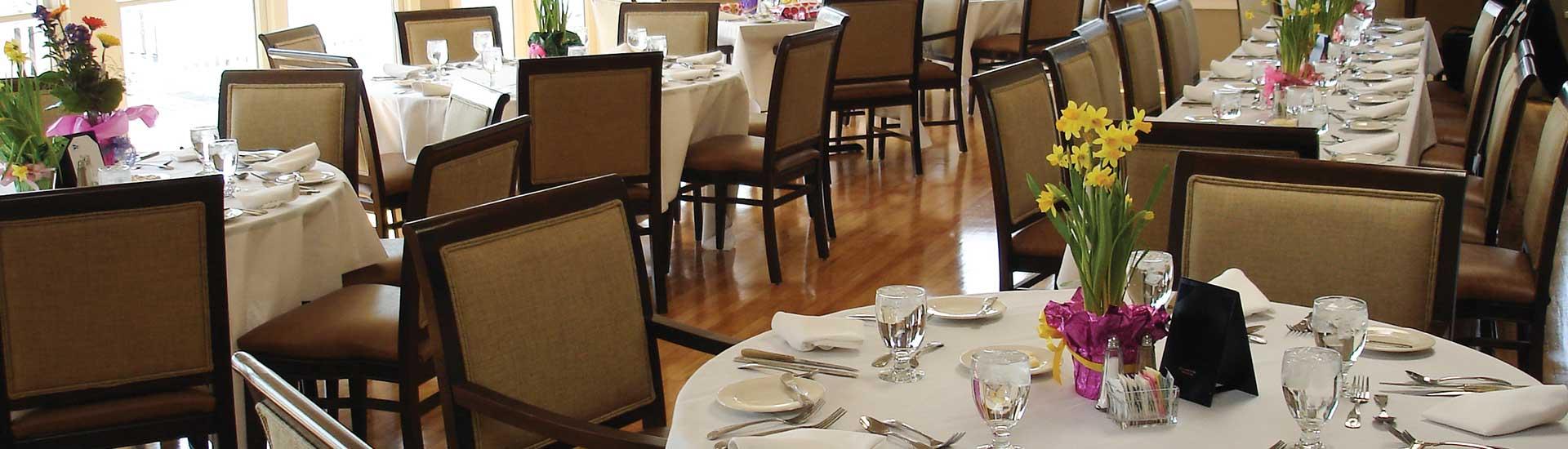
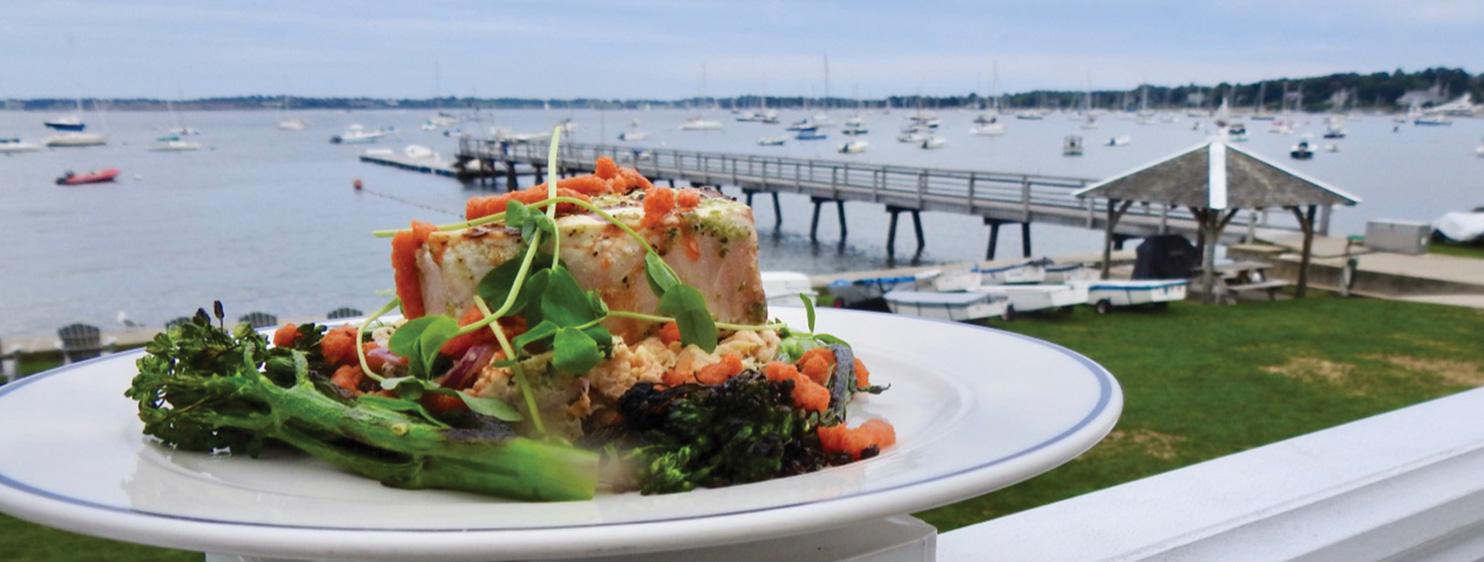
From pub night to full dinners, summer lunch on the deck to Epicurean feasts, take in the stunning views and enjoy some of the best food in Rhode Island.
Juniors
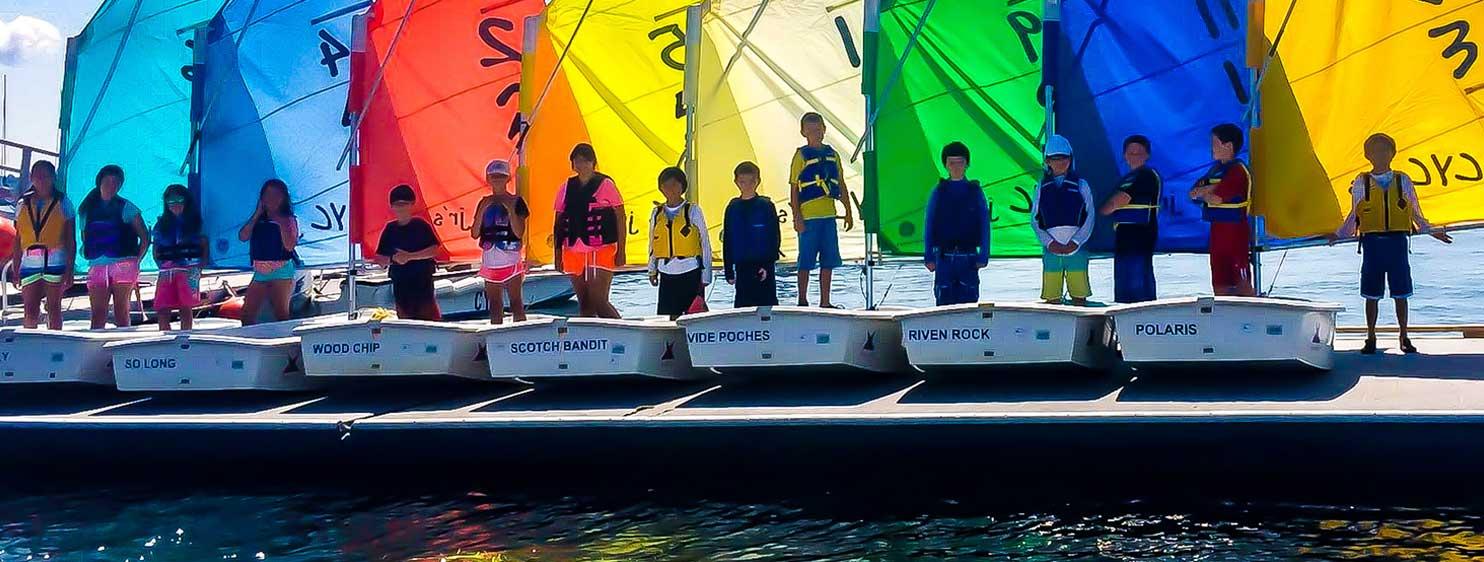
Our juniors enjoy recreational and competitive sailing and tennis programs and instruction, available to members and non-members. Members can also join social activities like “Team Ten”, aimed at the younger crowd.
Catered Events
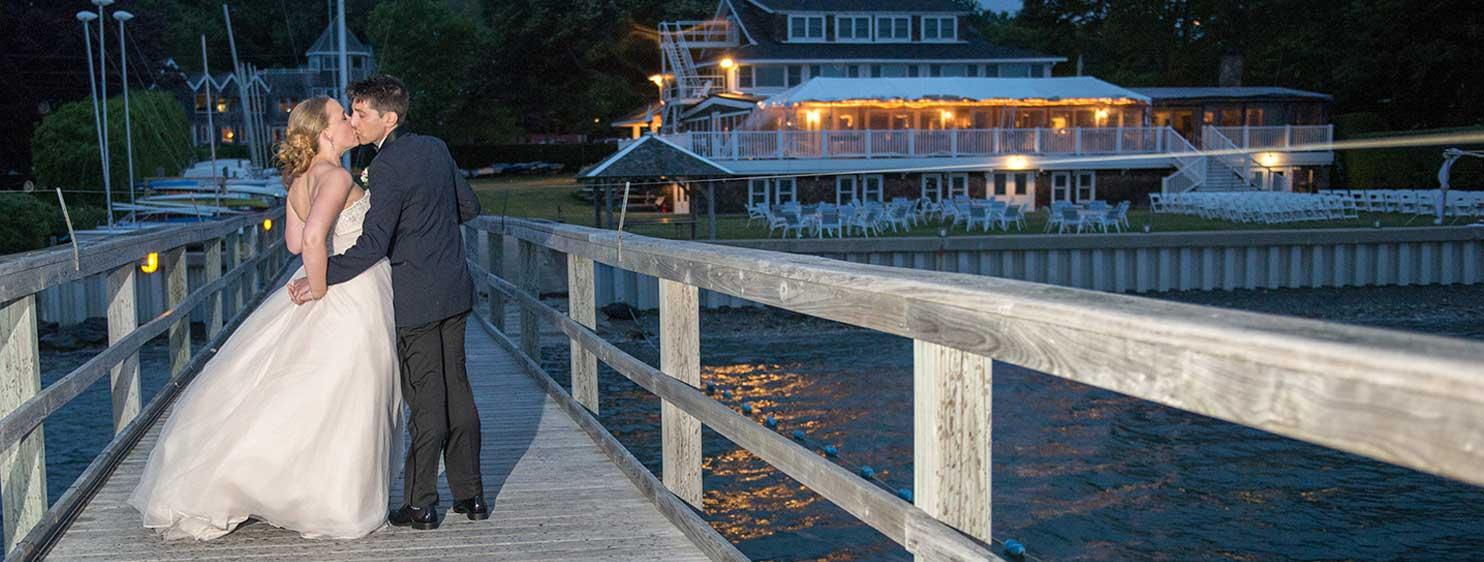
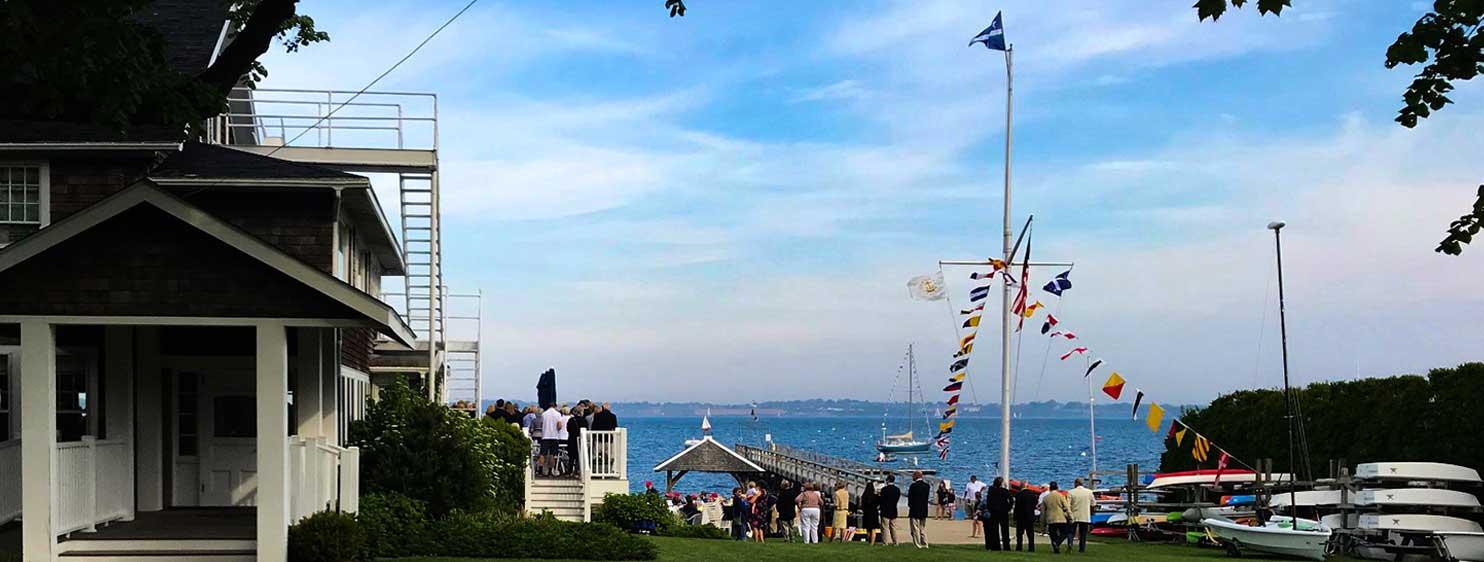
Exceptional facilities, service, cuisine, and scenery make CYC a unique place for special celebrations, from large gatherings to intimate affairs, and everything in between.
About the Club
Since 1892, CYC has been a special place for members and guests to share experiences on land and on the water. Large enough to offer a variety of programming and amenities, yet small enough to feel like home.
